Turn tasks into a zoomable project map.
Add tasks in seconds, drag & drop to create subtasks in Edit mode, then hit Visualize to turn your list into a task map.
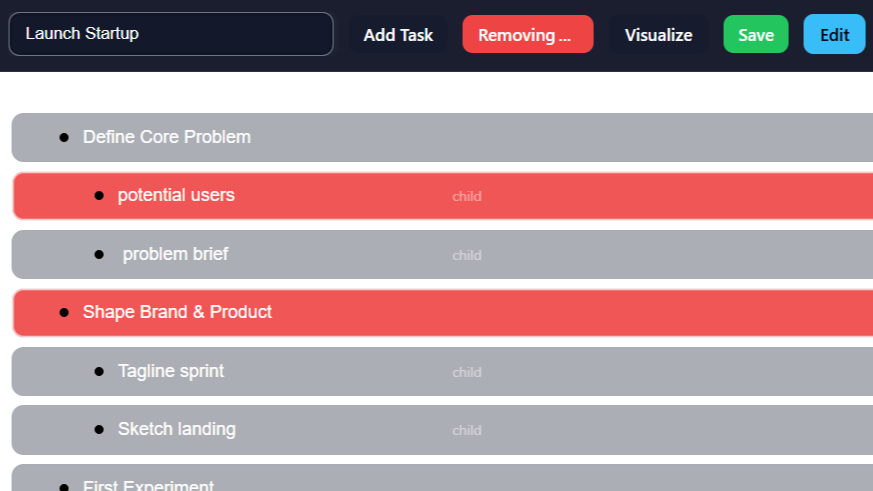
Step 1 – Add your first tasks
Click Add Task to start your project outline.

Step 2 – Visualize the map
Hit Visualize to see your project as a task map.
Click anywhere or press a key to start.